SMS link generator
Make a link or QR code that opens a text message to your number with the words already written. Works on iPhone and Android. Free, no sign-up.
26 characters
Your SMS link
Type a phone number above
How SMS links work
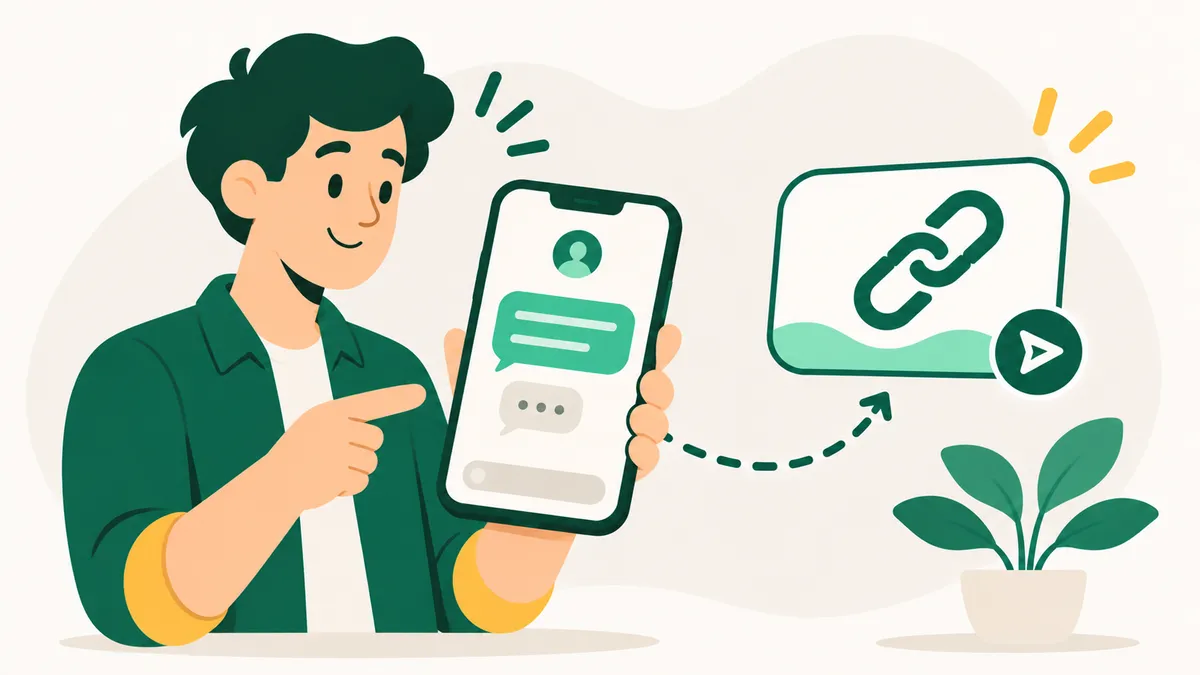
Phones understand links that start with sms: the way browsers understand https:. Tapping one opens the messaging
app with a new text to the number in the link. Add a message and it is typed in for the person, who only has to press
send. Nothing is ever sent on their behalf.
The link this tool makes looks like this:
sms:+15551234567?&body=Hi!%20I'd%20like%20to%20know%20more.
iPhone's Messages app and Android messaging apps expect the message part written slightly differently (&body= and
?body=). The ?&body= form covers both, so one link works for everyone.
Get the number right
Use the full international number: the country code, then the number without the leading 0 you'd dial at home. Pick the country above and type the number any way you like; the tool removes spaces, dashes, brackets and a leading zero.
Keep the message short
A standard text holds 160 characters. Longer messages are usually sent as two or more texts joined together, and emoji or accented letters lower the limit. A short, clear line works best, such as "Book me in for Saturday" or "Send me the price list". The counter above shows how long yours is.
Where SMS links work well
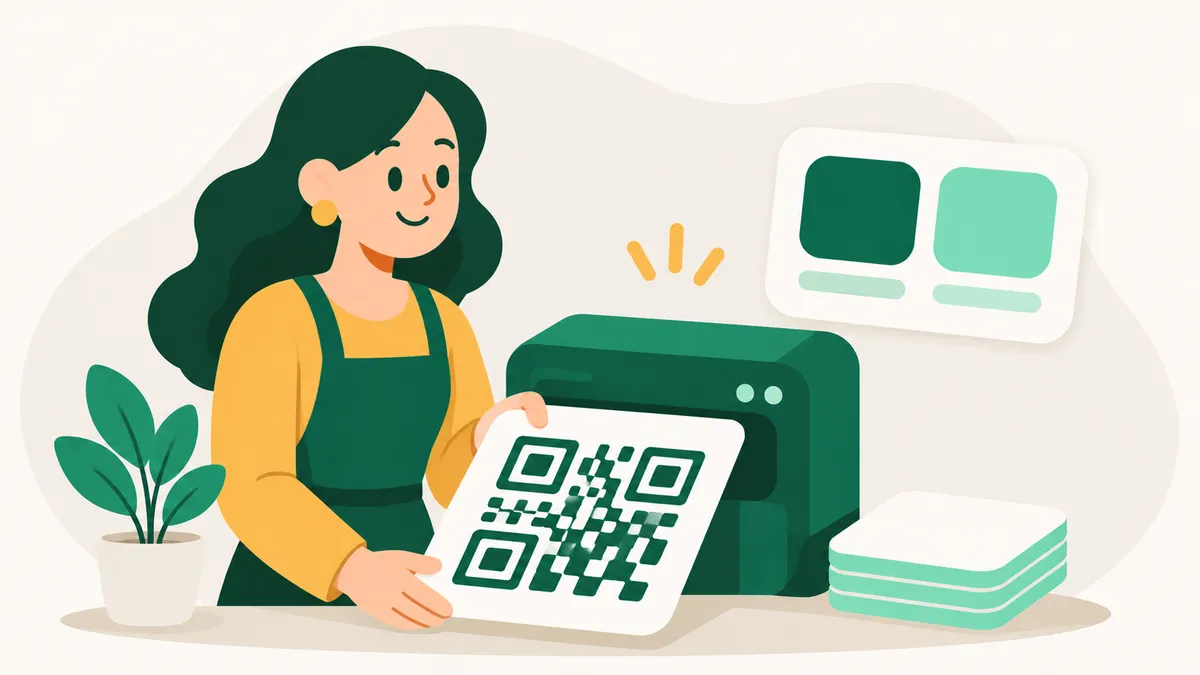
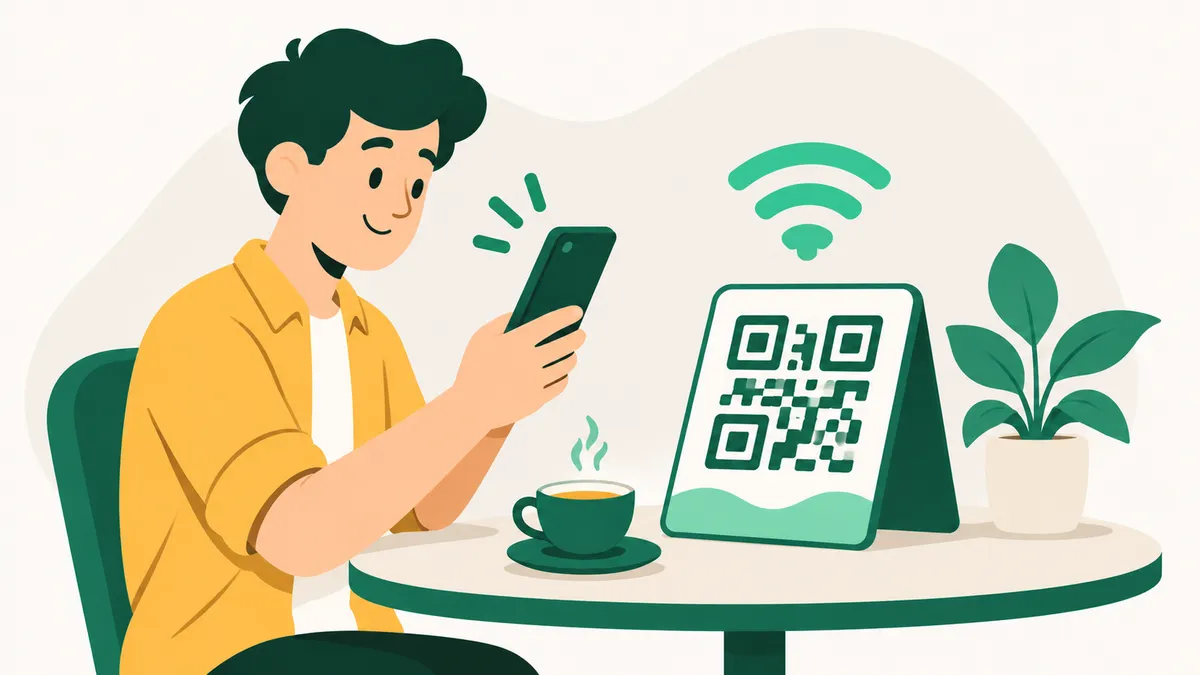
- QR codes on posters, flyers and packaging: "Text us to get the menu" without typing a number.
- Websites viewed on phones: a "Text us" button next to "Call us".
- Keyword sign-ups: pre-fill a word like
JOINif your texting service replies to keywords. - Emails and newsletters read on phones.
On a computer, an sms: link only works if the computer is set up to send texts, such as a Mac linked to an iPhone.
Show a phone number next to the link for everyone else.
Track your SMS link
An sms: link opens an app, not a web page, so it can't count who tapped it. A QR code or button can still be measured:
point a MiniSnip short link at a small page with your "Text us" button, or use separate short links on each
poster, and you'll see which one brings people in, with bots left out of the count.
Frequently asked questions
Does the SMS link send the message automatically?
No. It opens the messaging app with the number and message filled in. The person still has to press send.
Does it work on both iPhone and Android?
Yes. The link uses the sms:NUMBER?&body=MESSAGE form, which both iPhone Messages and Android messaging apps read.
Can I leave the message empty?
Yes. The link then opens a new text to your number with an empty message.
Why does my message arrive as two texts?
A single text holds 160 characters, fewer with emoji or accented letters. Longer messages are split and joined back together on the phone.
Will it work on a computer?
Only on computers set up to send texts, such as a Mac connected to an iPhone. Show your number next to the link for everyone else.